A new way to plan, and three more languages
New features
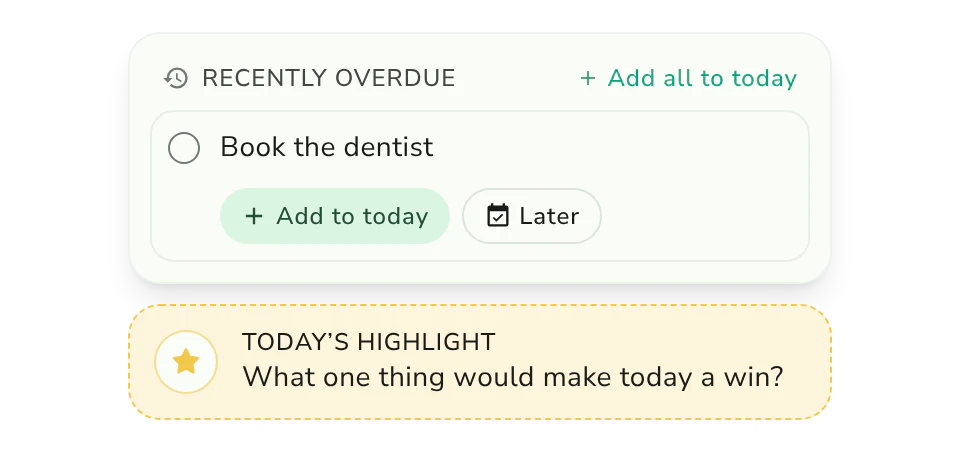
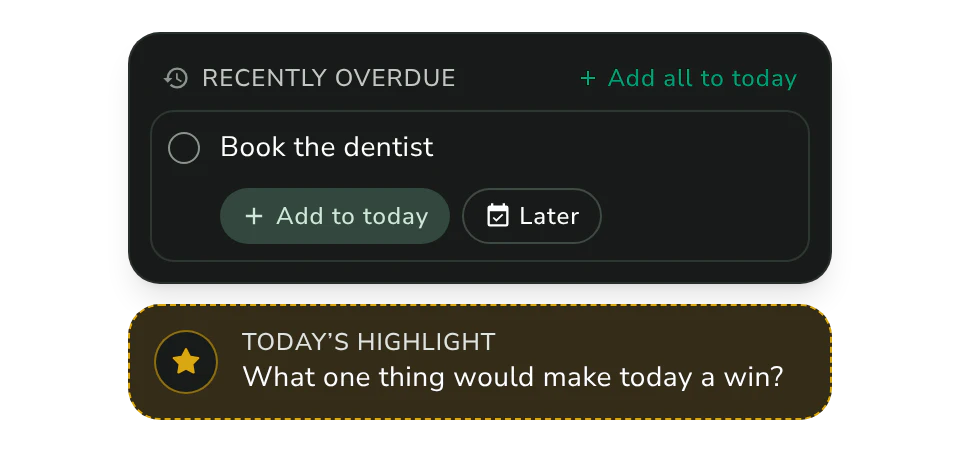
⏰ Catch up on what slipped
While you plan, tasks that went overdue in the past week wait at the top of the day, ready to add to today or push to later. Drag an open task onto a later day in the week to plan it for then.
⭐ One highlight for the day
Your highlight is the one task that would make the day feel like a win. Drag a task onto the highlight slot, or pick one with Choose. Not sure which? Click “Why one?” for three ways to decide: what’s urgent, what would feel satisfying, and what you’d love to do. Finish planning without one and we’ll ask which task matters most.
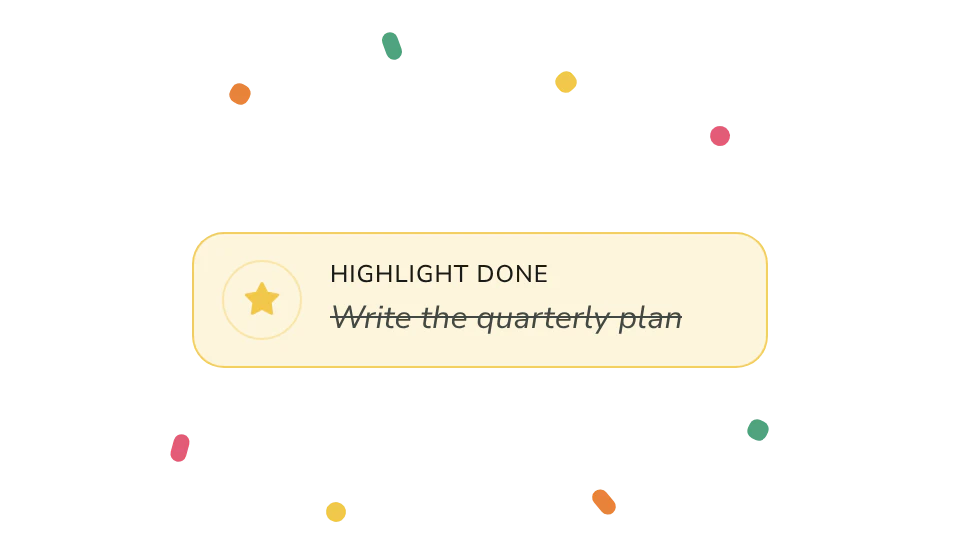
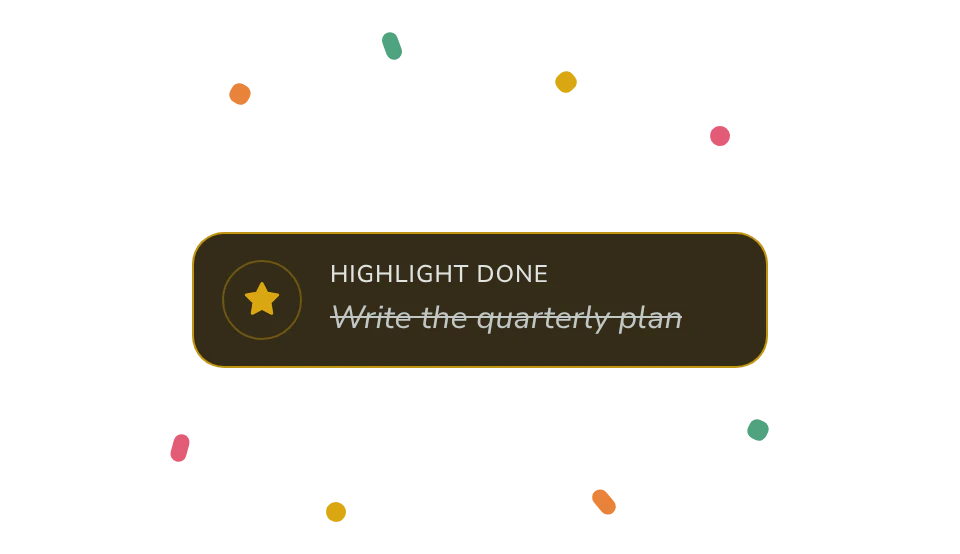
🎉 Confetti for your highlight
Just like on mobile, ticking off the day’s highlight now ends in a burst of confetti.
🔁 Repeat after you finish
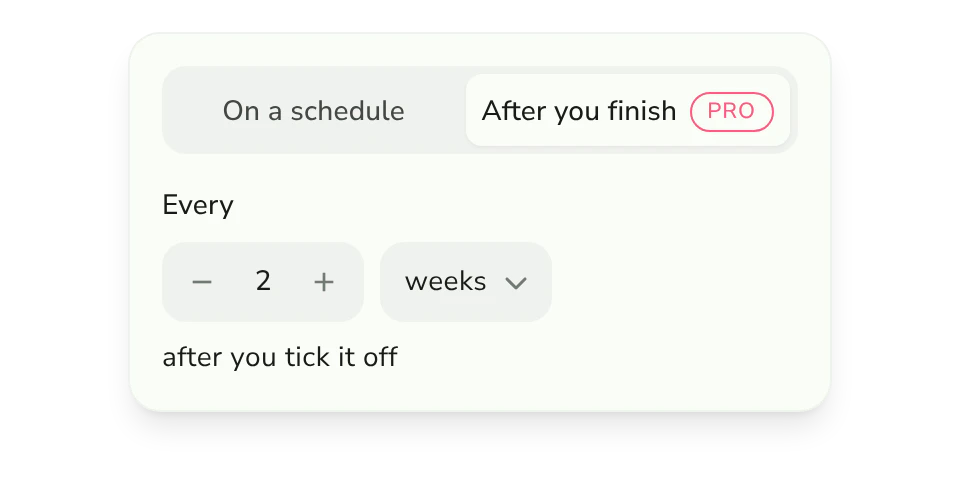
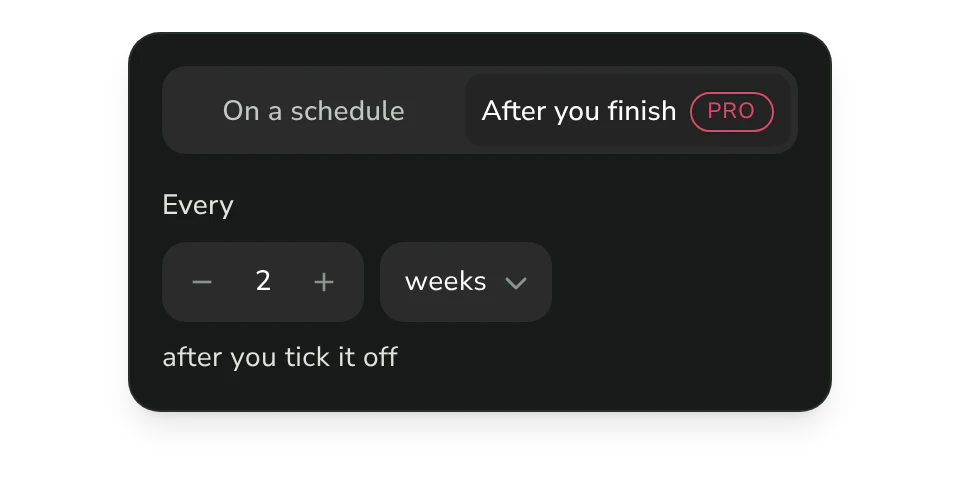
For tasks like watering the plants, choose “After you finish” in a repeat’s Custom settings. The next one falls due a set time after you tick this one off, rather than on a fixed date. Requires PRO.
🌍 Spanish, German and US English
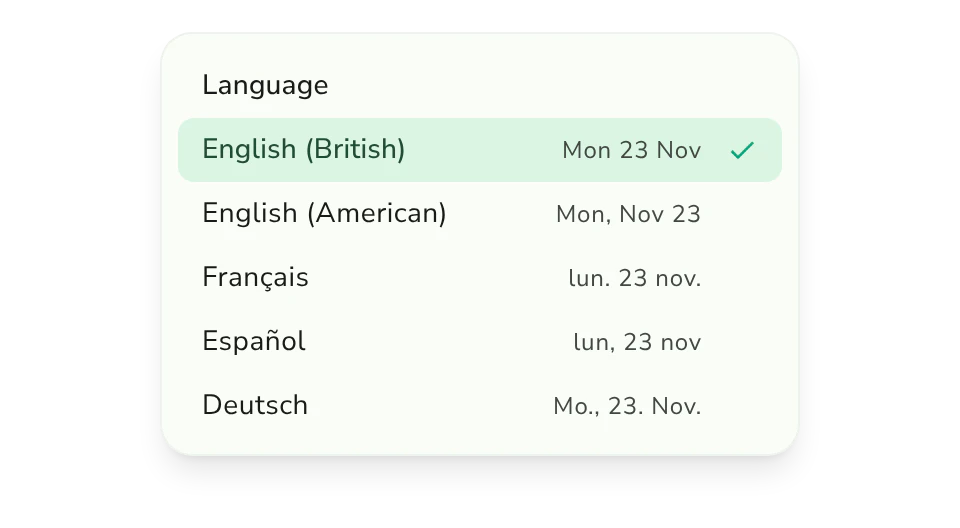
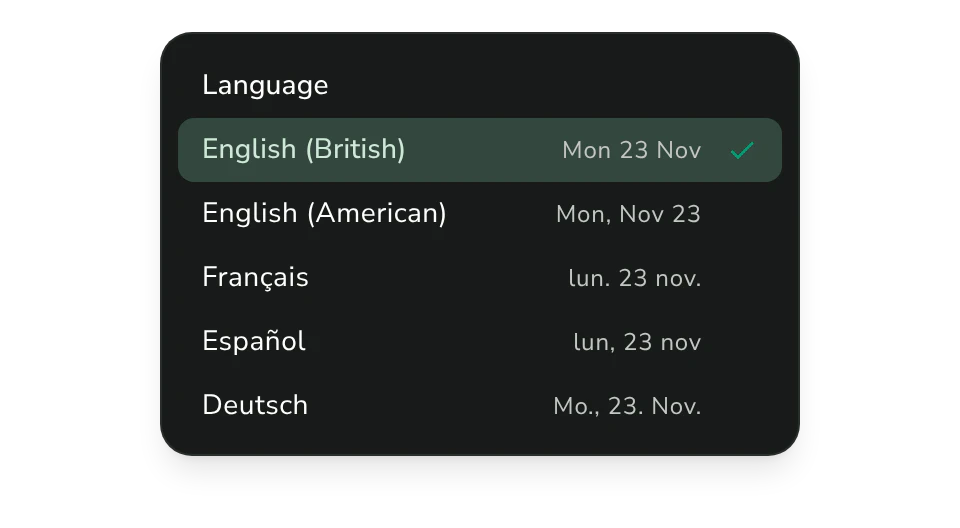
The app now speaks Spanish, German and US English, and writes dates in the order your language uses. Pick one in Settings → General.
📰 What’s new, inside the app
After an update, a short tour shows you what’s new. Open it again any time from the account menu.
Improvements
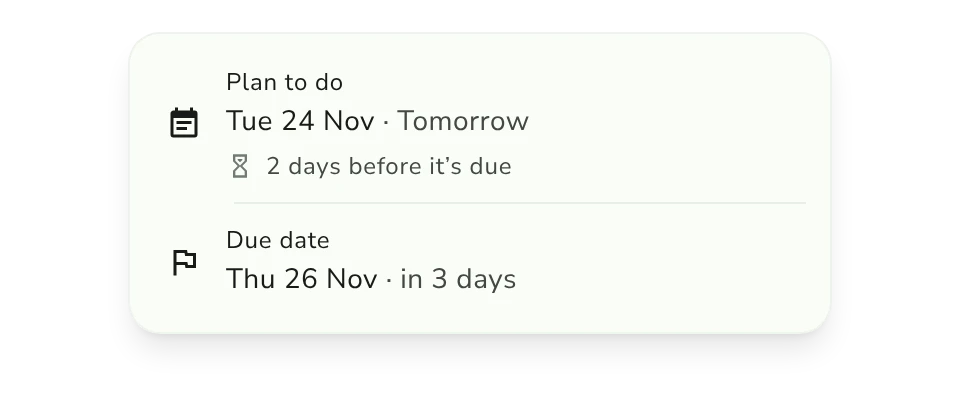
📅 Plan to do and due dates
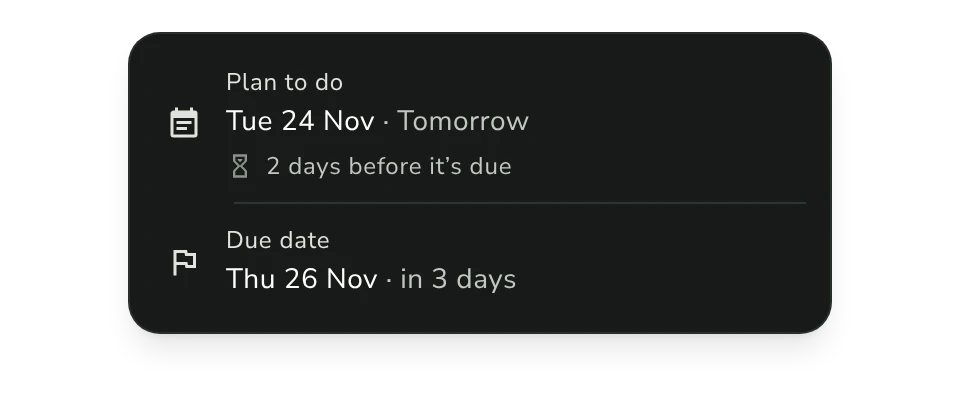
In the task panel, Plan to do is the day you mean to work on a task, and the due date now carries a flag. A line under the plan says how it sits against the due date, and the calendar shades the days between the two. You can make the task its day’s highlight from the same picker.
🔁 Simpler repeats
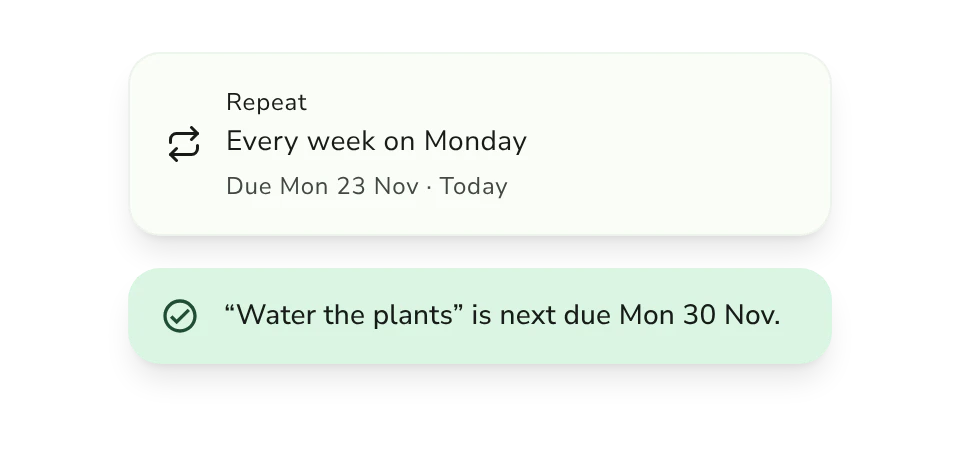
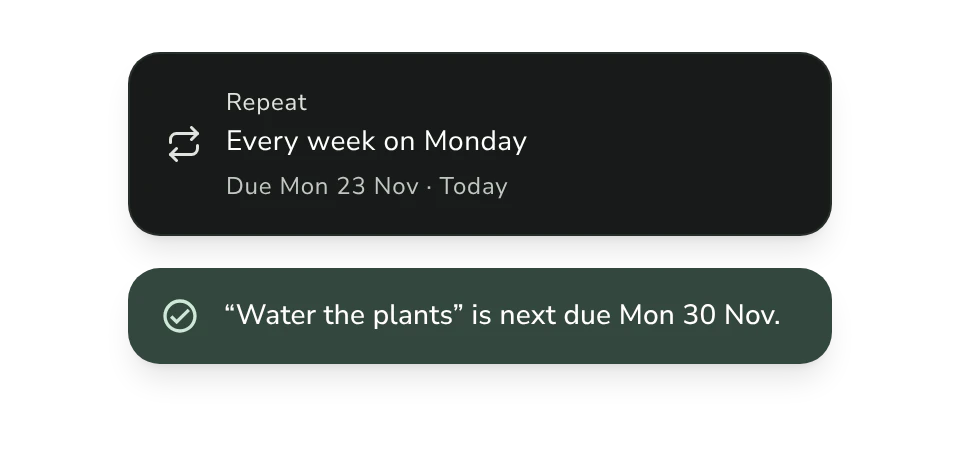
Pick a usual schedule in one click, or make your own with Custom, now free. A repeating task shows its due date in the Repeat row, and ticking it off tells you when the next one is due.
🔔 Toasts that stand out
Messages now fill with the colour of what happened, so you can tell a success from a problem at a glance.
🪟 Calmer dialogs
Buttons that delete something are less glaring, and Cancel is now a plain text button, so each choice is easier to read at a glance.
Fixes
🔤 Accents in tags
Tags can now include accented letters and letters from other alphabets, such as “café” or “über”.
📆 Weeks that start on Monday
In British English, weeks now start on Monday, unless you’ve picked another day in Settings → General.