A new repeat picker, and three more languages
New features
🔁 Repeats in one tap
A new repeat picker offers the usual schedules, from every weekday to once a year, in a single tap. Custom covers the rest.
⏳ Repeat after you finish
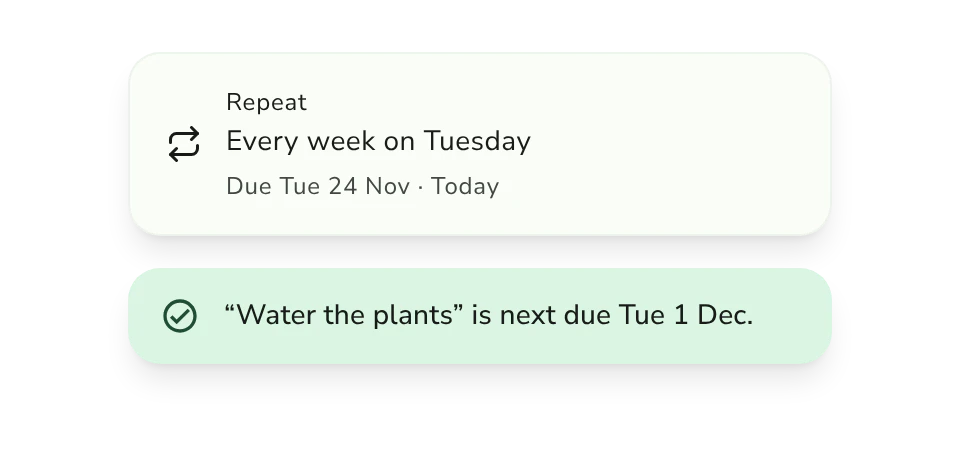
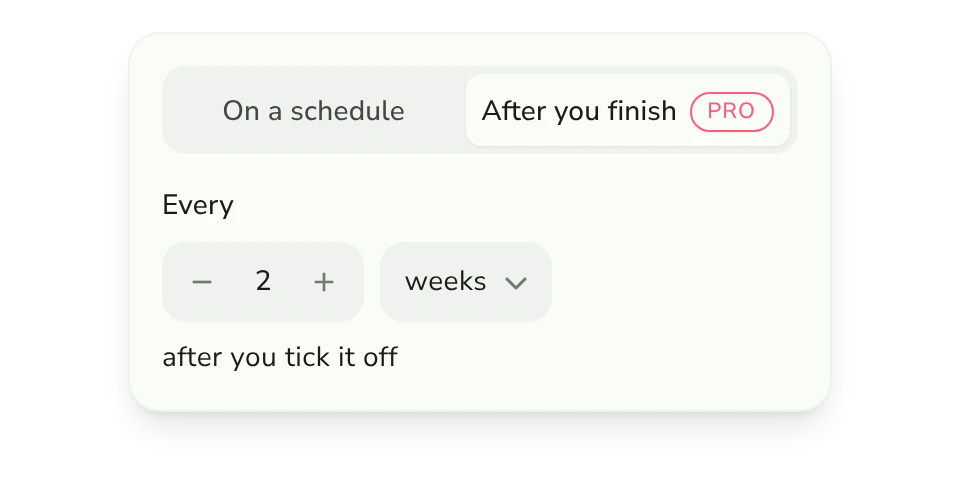
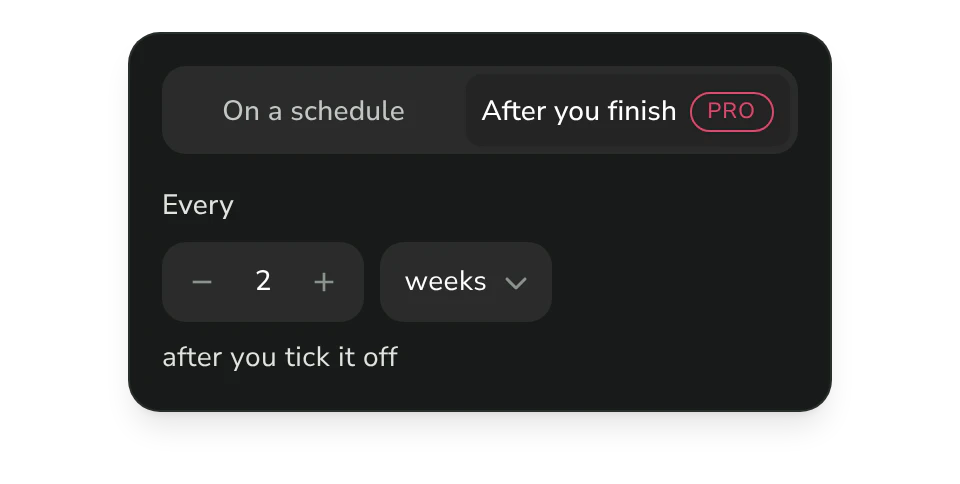
For tasks like watering the plants, choose “After you finish” in a repeat’s Custom settings. The next one falls due a set time after you tick this one off, rather than on a fixed date. Requires PRO.
🌍 Spanish, German and US English
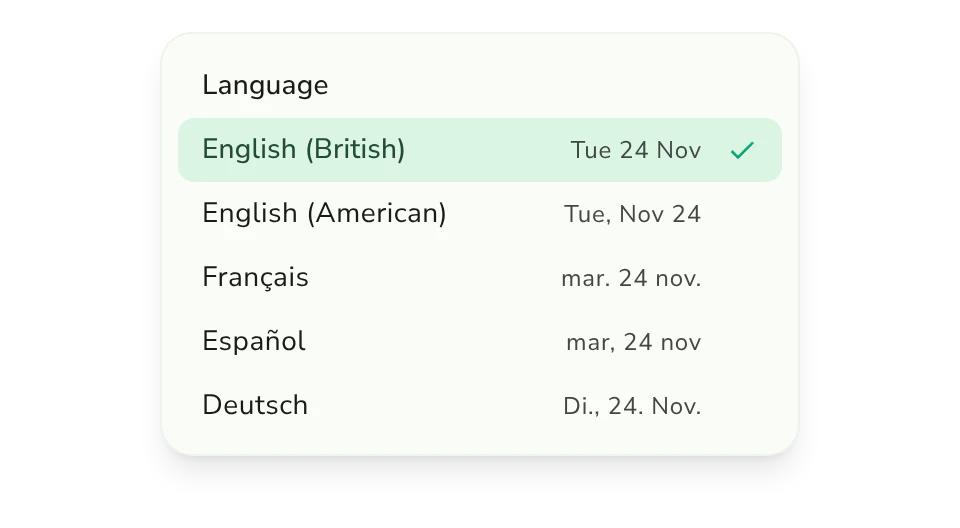
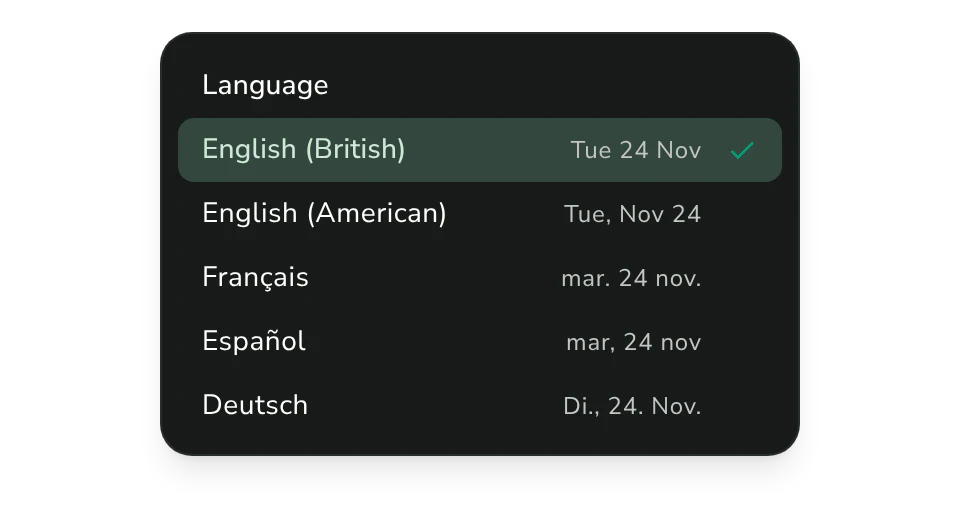
The app now speaks Spanish, German and US English, and writes dates in the order your language uses. Widget names and shared-list notifications follow your language too.
Improvements
👆 One tap to pick a day
Calendars now pick a day with a single tap, with no Done to press. The plan and reminder calendars now slide open inside their own sheet.
📅 Plan and due dates that relate
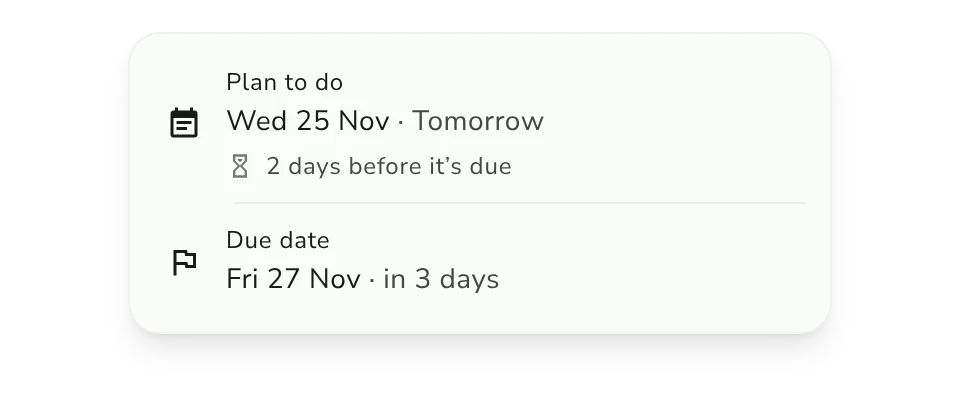
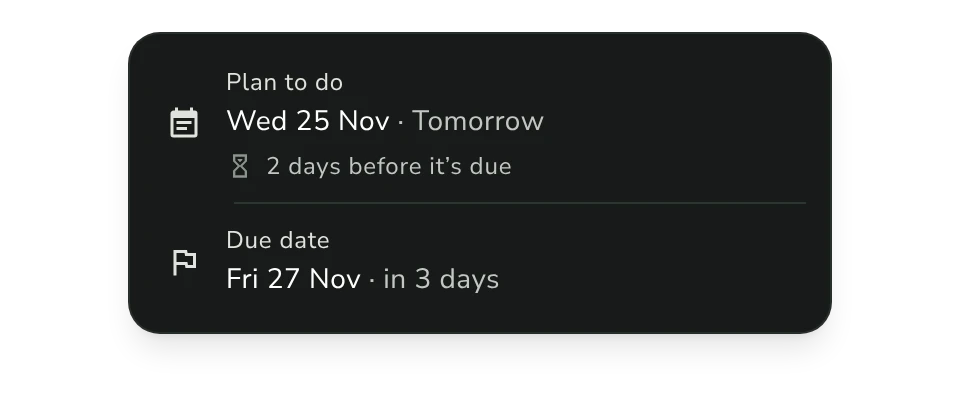
The task screen shows “Plan to do” and its due date as two rows that say how they relate, and you can make a task its day’s highlight as you schedule it. Due dates now carry a flag.
✅ Know when a repeat comes back
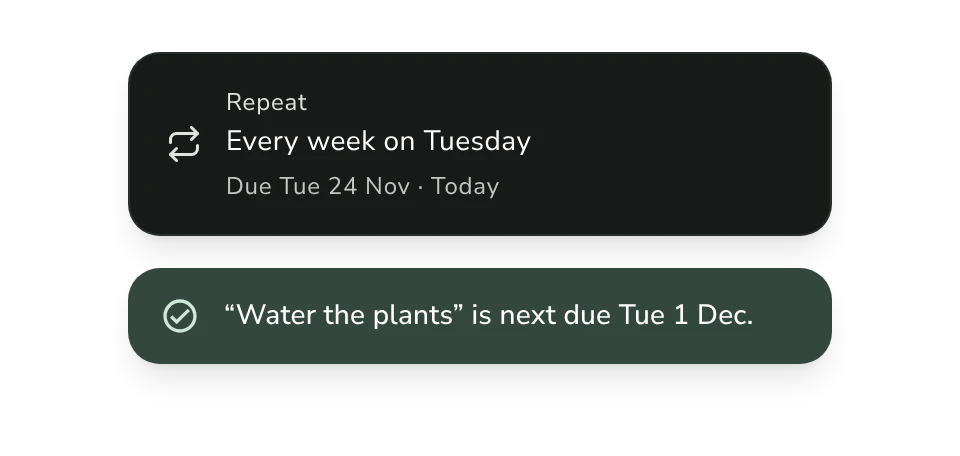
Tick off a repeating task and we’ll tell you when the next one is due, or that it’s already overdue.
💳 Your plan at a glance
If you subscribe to PRO, you can now see your plan, its price and when it renews on one screen, and changing plan shows what you’ll pay and when. Lifetime PRO says it’s yours for good, with nothing to renew.
Fixes
🔤 Accents in tags
Tags can now include accented letters and letters from other alphabets, such as “café” or “über”, and sort alphabetically.
📆 Weeks that start on Monday
In British English, weeks now start on Monday, unless you’ve picked another day in Settings.